- Open source · GitHub
Gothic 2 in 3D Window
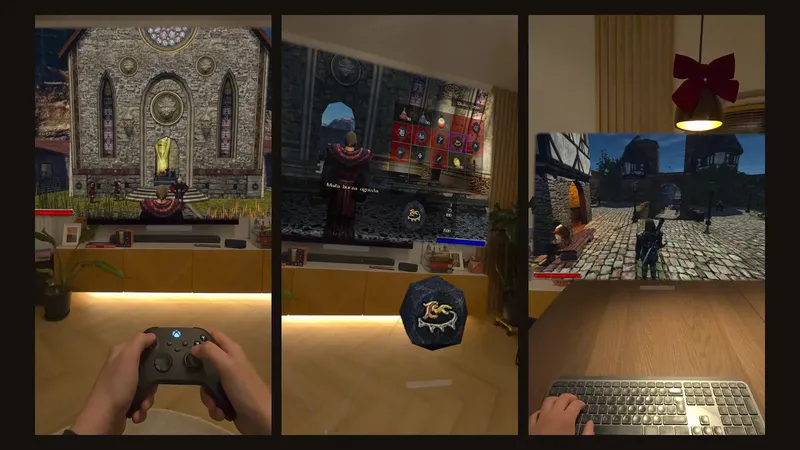
Gothic II: Night of the Raven in a life-size, head-tracked 3D window floating in your room on Meta Quest.
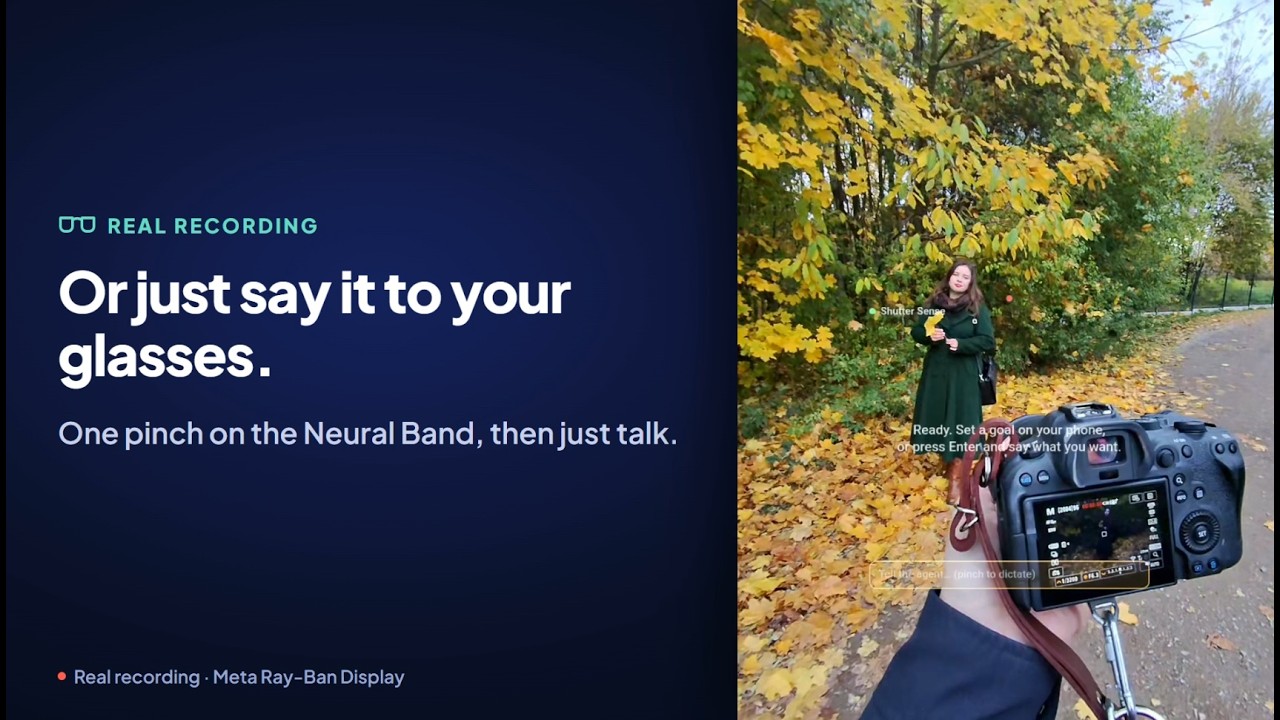
An AI agent that works your camera: say what you want and it changes the settings, shoots, and checks its own photo.
The browser demo needs no camera, account or install. Prefer Android? Download the APK (opens in a new tab) (Android 9+).
ShutterSense drives a Canon mirrorless camera over Wi-Fi through the Canon Camera Control API, and checks each test shot against your goal — within a shot budget you set.
Beyond exposure basics it reaches for the settings people forget:
When something can't be changed remotely, it guides you through the camera menus step by step.
Meta Ray-Ban Display shows each step on the lens, and you can correct the agent by voice.
Get pose ideas, and save presets for the looks you come back to.
ShutterSense started as a hackathon project: an Android phone runs the agent, a Canon camera with CCAPI takes the pictures, and a Meta Ray-Ban Display (in developer mode) keeps you in the loop without looking down at a screen.
The source is on GitHub under the MIT license, and the live browser demo lets anyone try the flow without any hardware.
Gothic II: Night of the Raven in a life-size, head-tracked 3D window floating in your room on Meta Quest.
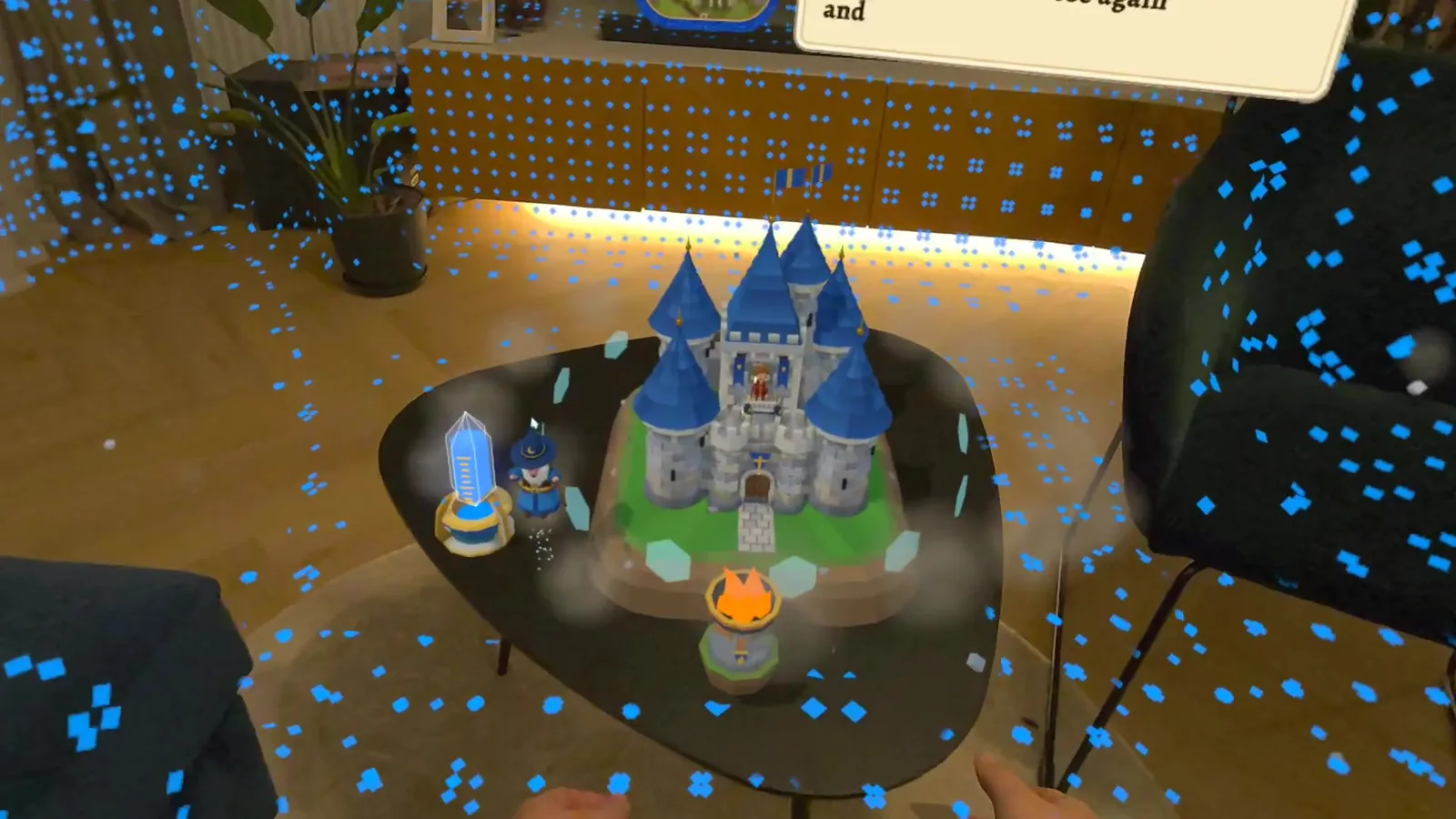
My own Rust engine for Meta Quest: two-second launches, foveated rendering, occlusion and real-time room meshing.

Mixed-reality roguelike castle defense. Goblins climb your furniture; you fight back with spells cast from your hands.
The live browser demo runs the whole flow — no camera, account or install needed.